

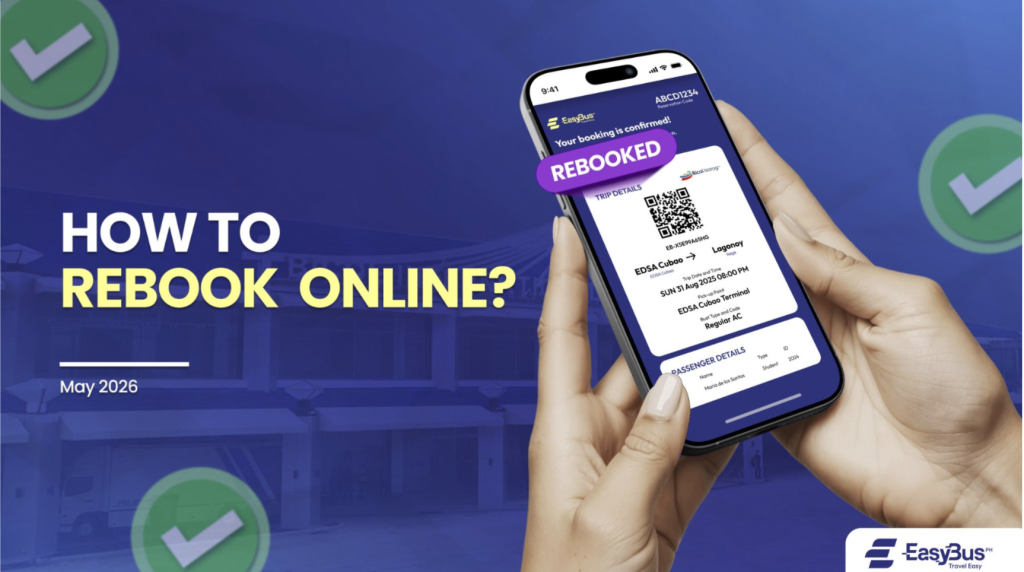
Graphic by Pauline Valdez
Made a mistake with the booking? Did you change your mind and want to either travel on another day or change seats? Here is the step-by-step guide to changing your trip through the Easybus PH website:
1. Go to Rebook Trip webpage
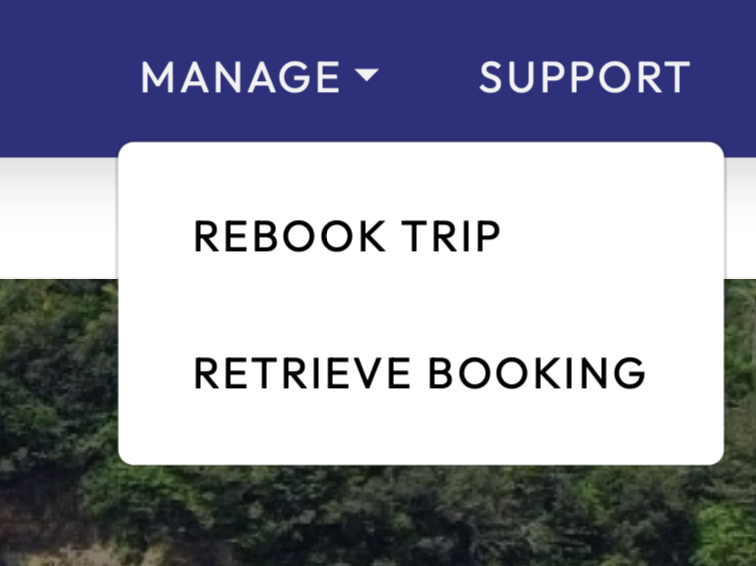
Visit easybus.ph/rebook, or you can find the webpage at the top bar under the Manage drop list (Home > Manage > Rebook Trip).
2. Input your details
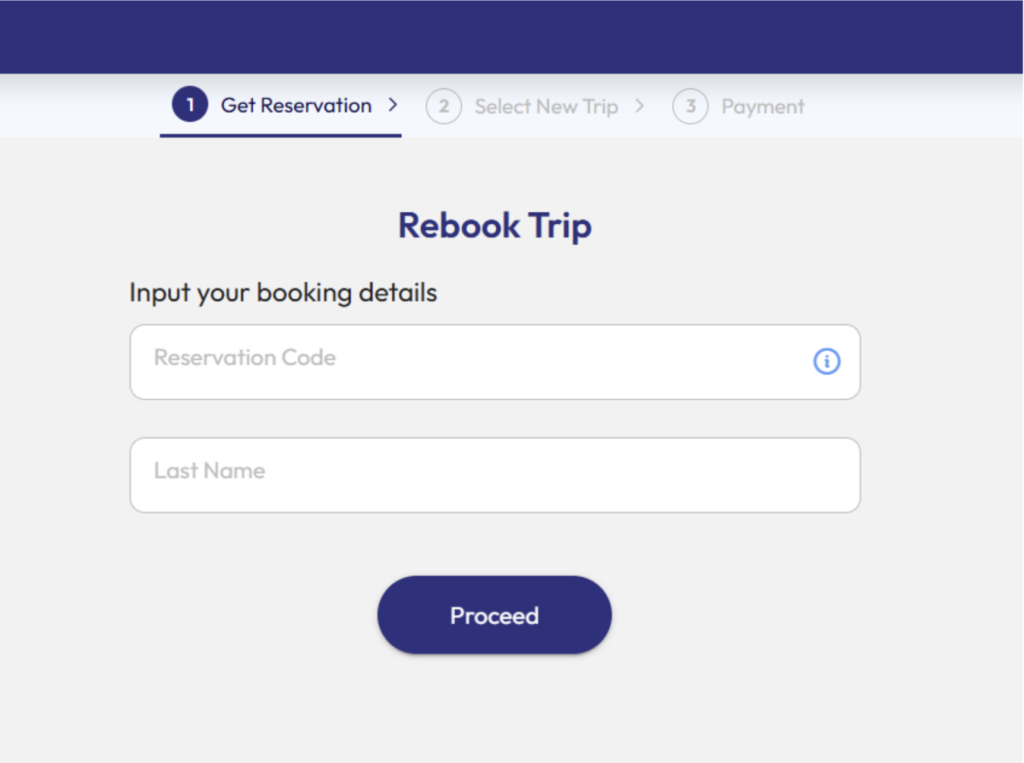
Type down your reservation code and your last name in the corresponding sections. Your reservation code can be found through an SMS message or an email that was previously sent to you during your first booking. Press the 🛈︎ for a visual example of where to find your reservation code.
3. Select a new trip
Rebooking policies may vary between bus lines, so there may be some differences in the rebooking process.
You can choose a different trip date or choose different seats to your liking.
4. Payment
Choose how you want to pay for your reservation. Easybus PH supports payments through online wallet platforms like GCash or Maya, or online credit/debit cards like Visa and Mastercard.
For a detailed how-to guide on payment, check here.
To retrieve your ticket voucher, visit easybus.ph/book/retrieve. If there are any concerns regarding the rebooking process, send us an email at support@easybus.ph.
Start booking your trip now at www.easybus.ph!